Coder
ODU Computer Science | Coder
Coder is a platform for creating and managing remote development environments. It allows ODU CS students and faculty to provision cloud-based workspaces with ease, ensuring a consistent and powerful development experience.
Getting Started
Follow these steps to create and use a Coder workspace.
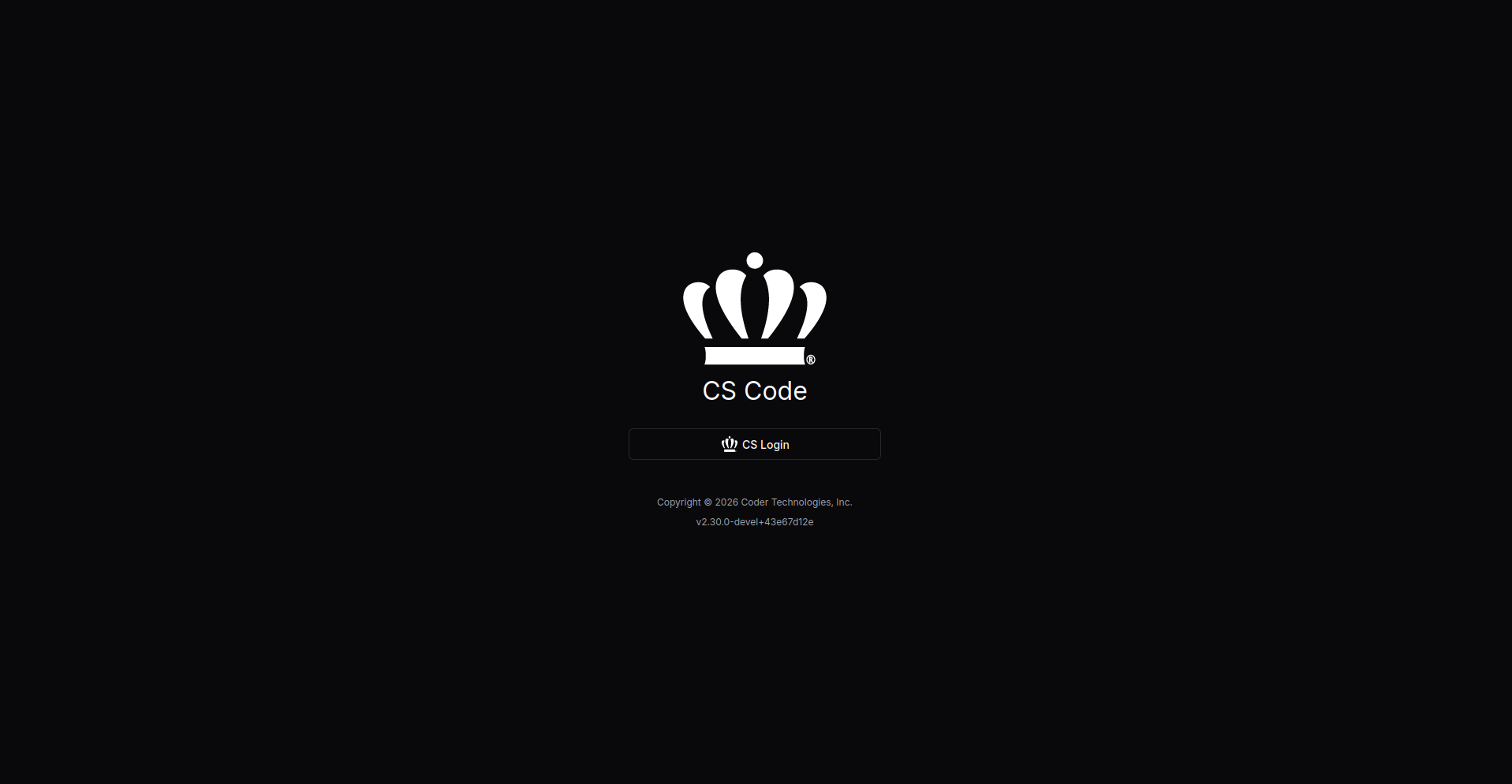
1. Sign In
Go to the Coder Web UI and sign in.
VPN Required
The CS VPN is required to access this platform.
2. Create a New Workspace
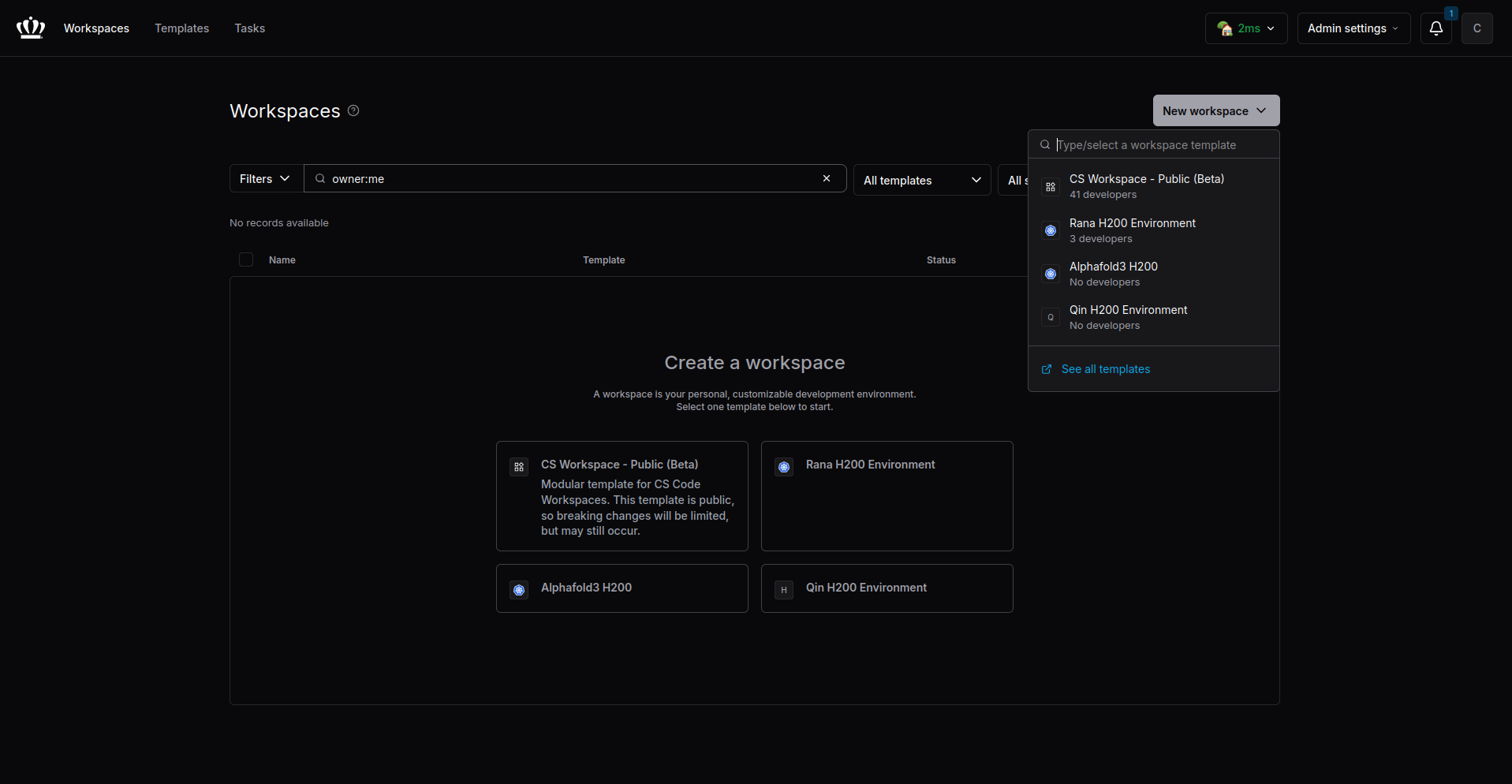
Click the New Workspace button in the corner and select an available template.
3. Customize Workspace
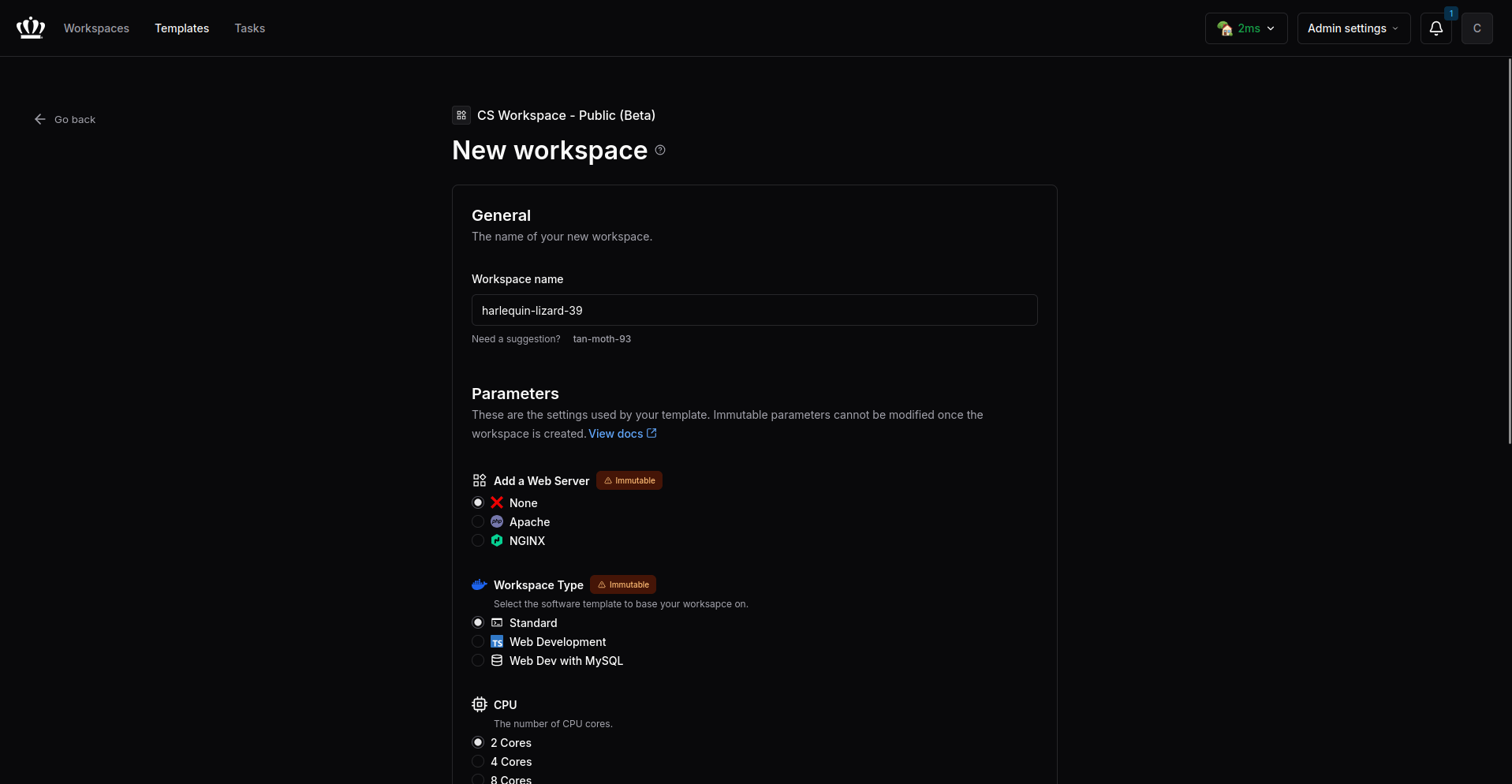
Customize your workspace parameters as needed.
4. Interact with Workspace
Once the workspace is started, click the buttons to interact with your environment.
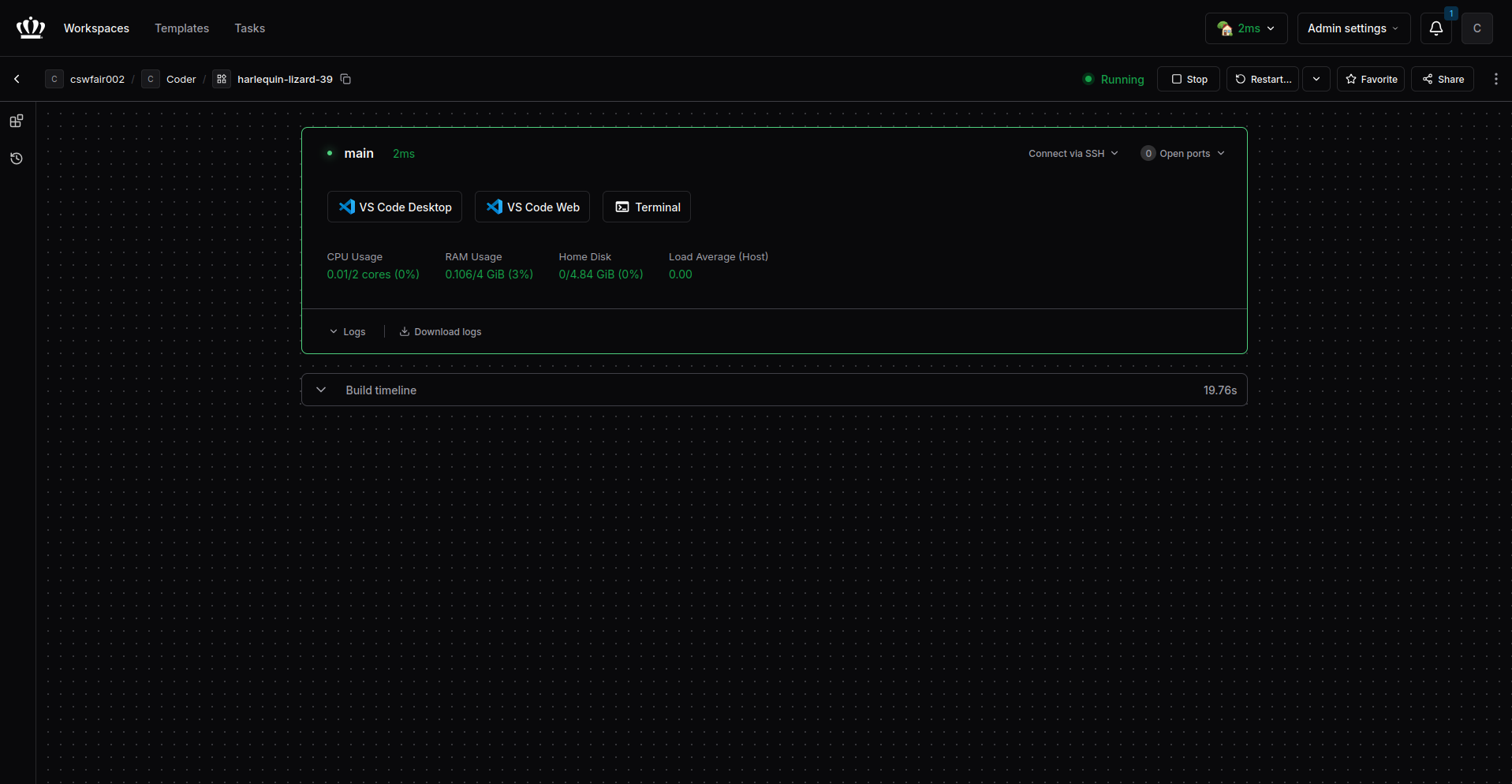
Managing Workspaces
Sharing Workspaces
You can share your workspace with other students.
- On your workspace page, click the Share button.
- Enter a student email or username to grant them access.
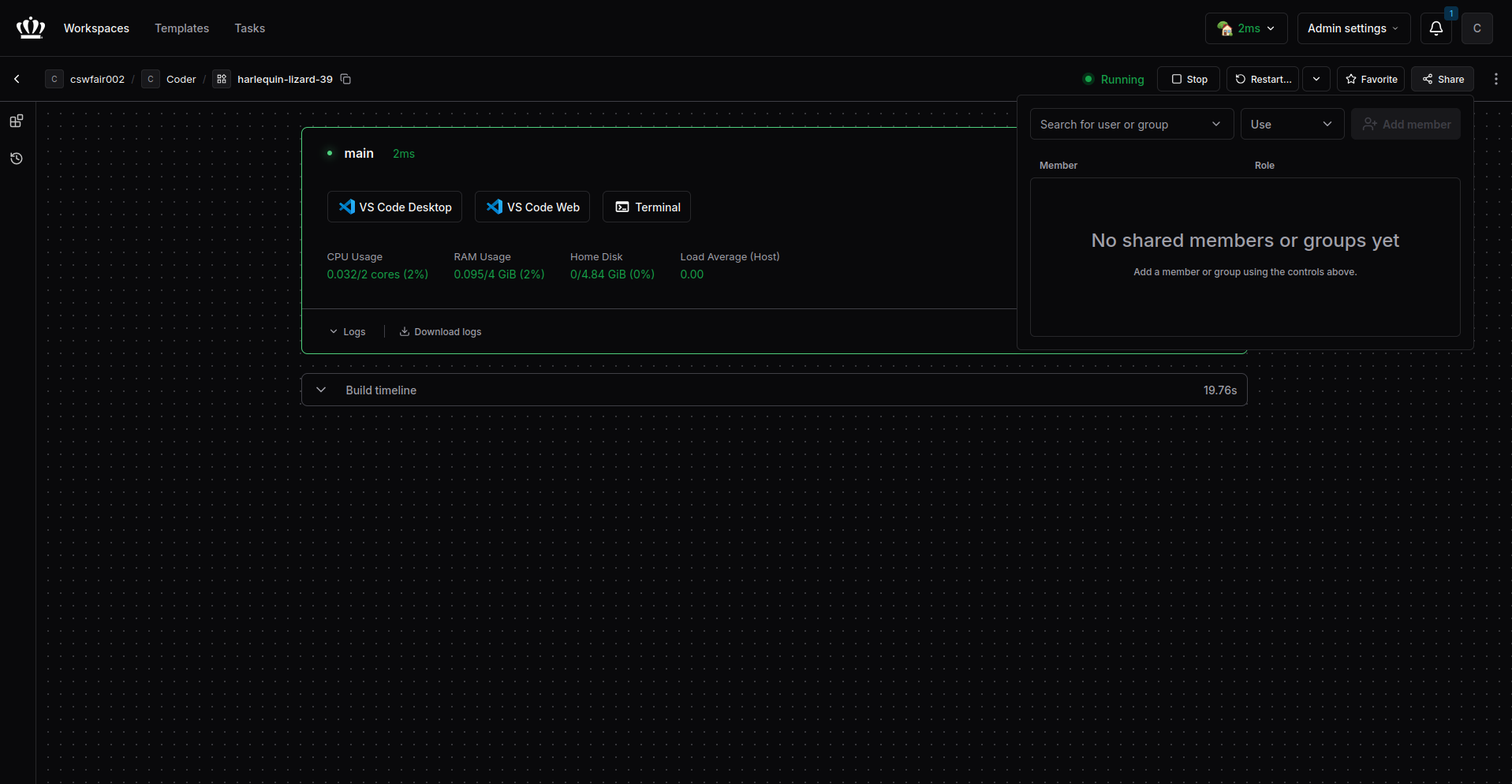
Viewing Shared Workspaces
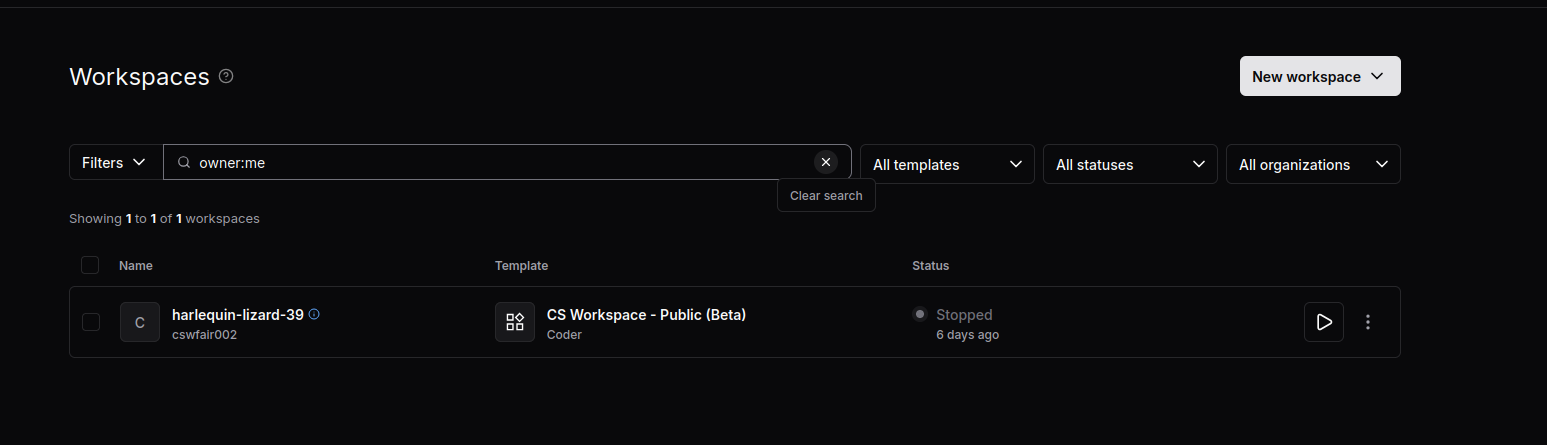
To view workspaces that have been shared with you, you need to clear the default filter.
- Locate the filter box which defaults to
owner:me. - Click the Clear search button (the "x" icon) as shown in the image.
- This will display all workspaces you have access to, including those shared by others.